1. Log in to OMR Manager.
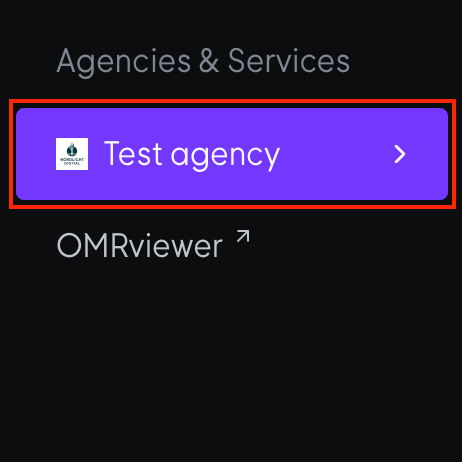
2. Navigate to the Agencies & Services section in the left-hand menu.
3. Click on OMRviewer at the bottom of the menu.
4. A new window will open and you will be logged in to OMRviewer.
![Omr_reviews_Logo_Black_Rgb_2000px_w_72ppi (2)-3.png]](https://hi.omr.com/hs-fs/hubfs/Omr_reviews_Logo_Black_Rgb_2000px_w_72ppi%20(2)-3.png?height=40&name=Omr_reviews_Logo_Black_Rgb_2000px_w_72ppi%20(2)-3.png)
1. Log in to OMR Manager.
2. Navigate to the Agencies & Services section in the left-hand menu.
3. Click on OMRviewer at the bottom of the menu.
4. A new window will open and you will be logged in to OMRviewer.