![Omr_reviews_Logo_Black_Rgb_2000px_w_72ppi (2)-3.png]](https://hi.omr.com/hs-fs/hubfs/Omr_reviews_Logo_Black_Rgb_2000px_w_72ppi%20(2)-3.png?height=40&name=Omr_reviews_Logo_Black_Rgb_2000px_w_72ppi%20(2)-3.png)
The first login to OMRviewer is the starting point for using buyer intent data specifically for your marketing strategy. To make it easy for you to get started and quickly derive added value from the data, we guide you step by step through the first actions in the tool. This will help you quickly familiarize yourself with OMRviewer and lay the foundation for seamlessly integrating the insights into your existing sales and marketing processes.
Log in to the OMRviewer
You can access the OMRviewer directly via your OMR Manager account.
- Log in to your OMR Manager account.
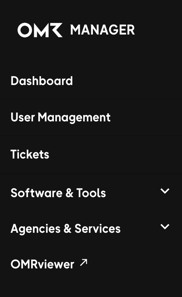
- Click on OMRviewer in the left-hand navigation bar.
- You will be taken straight to the OMRviewer.
Get familiar with the structure of the OMRviewer
It’s totally normal to need some time to get used to a new tool. Grab yourself a coffee and set aside a bit of time to explore the layout and features of the OMRviewer.
Create your first filter
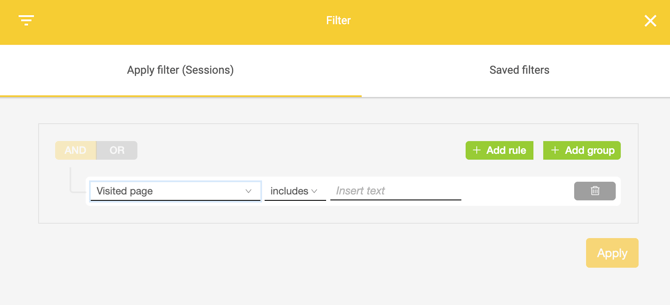
Think about which signal types are most valuable for you and set up your first filter.